VueDemos小结
前言
练习的demo来自于黑马程序员Vue教程,只关注于html和js的部分,css样式基于已有模板未作修改。
Demos
1、计数器
实现样式
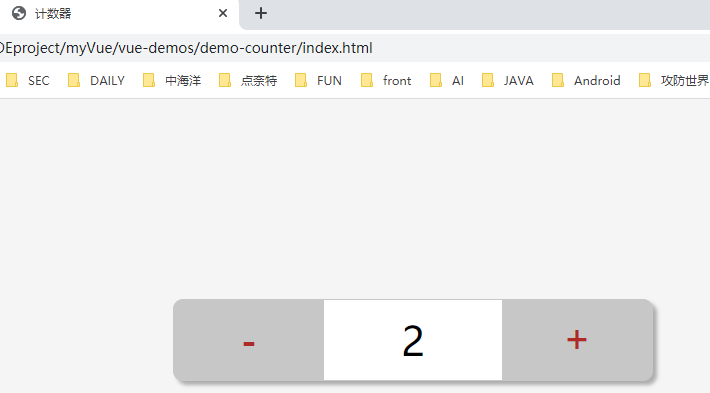
功能
简单的计数增减。
要点
button按钮绑定点击事件,数值达到上下限时弹出提示。
2、记事本
实现样式
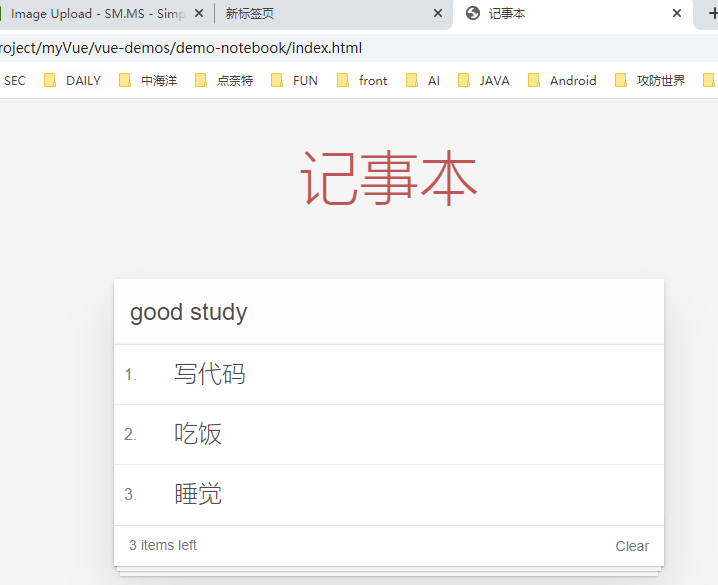
功能
- 新增
- 删除
- 统计
- 清空
- 隐藏
要点
- 列表结构可以通过v-for指令结合数据生成
- v-on结合事件修饰符可以对事件进行限制,比如enter
- v-on在绑定事件时可以传递自定义参数
- 通过v-model可以快速设置和获取表单元素的值
- 基于数据的开发方式
3、图片切换
实现样式
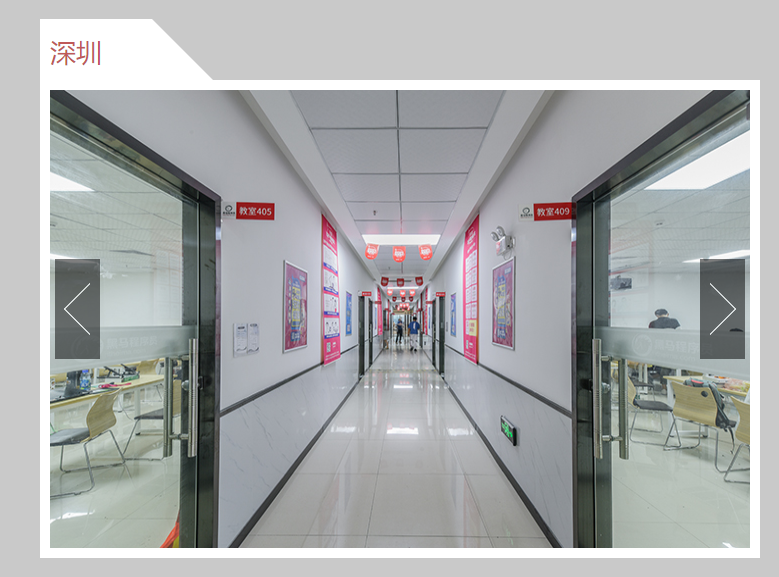
功能
图片上下张的切换功能。
要点
- 列表数据使用数组保存
- v-bind指令可以设置元素属性,比如src
- v-show和v-if都可以切换元素的显示状态,频繁切换的话用v-show
4、天气预报
实现样式
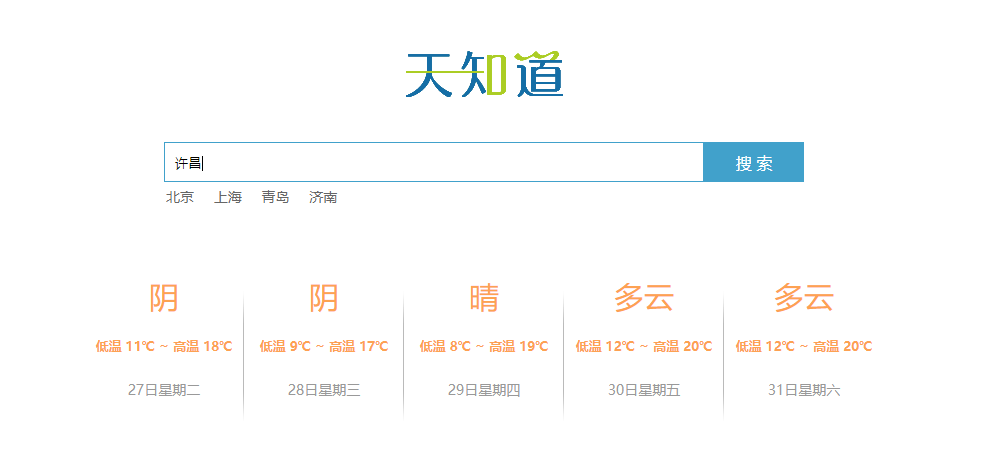
功能
- 回车查询
- 点击查询
要点
- 应用的逻辑代码建议和页面分离,使用单独的js文件编写
- axios回调函数中this指向改变了,需要额外的保存一份
- js部分关键代码
var app = new Vue({
    el: '#app',
    data: {
        city:'',
        weatherList:[]
    },
    methods: {
        searchWeather: function(){
            // console.log('stesttesttest');
            // console.log(this.city);
            // 调用接口
            // 保存this
            var that = this;
            axios.get("http://wthrcdn.etouch.cn/weather_mini?city="+this.city)
            .then(function(response){
                //console.log(response)
                //console.log(response.data.data.forecast);
                that.weatherList = response.data.data.forecast
            })
            .catch(function(err){})
        },
        changeCity:function(city){
            this.city = city;
            this.searchWeather();
        }
    }
})
5、音乐播放器
实现样式
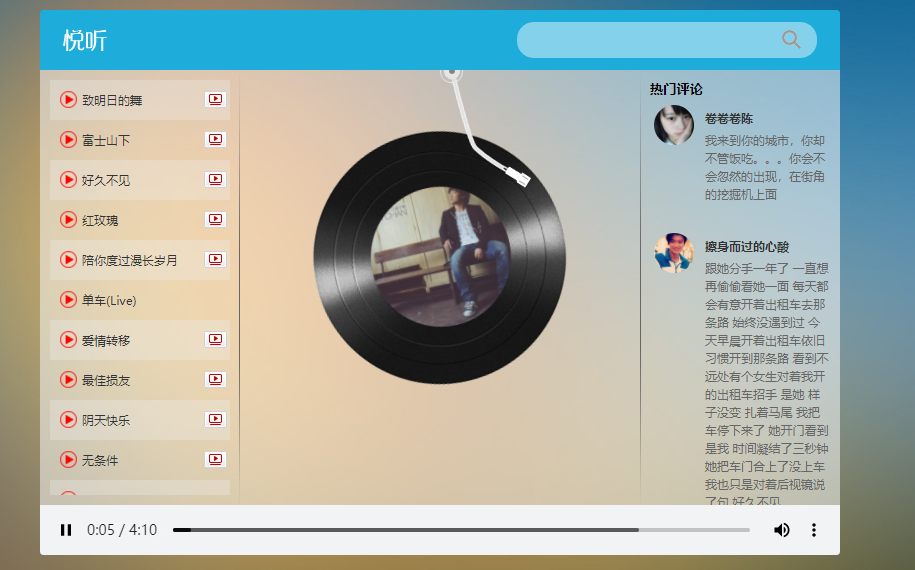
功能
- 音乐查询
- 音乐播放
- 歌曲封面
- 歌曲评论
- 播放动画
- 播放MV
要点
- 服务器返回数据复杂时,获取时注意层级结构
- 页面结构复杂以后,通过审查元素的方式快速定位相关元素
- Vue中通过v-bind操纵属性
- 不同的接口需要的数据是不同的,文档阅读要仔细
- js关键代码
var app = new Vue({
    el: '#player',
    data: {
        // 查询关键字
        query: "",
        // 歌曲数组
        musicList: [],
        // 歌曲地址
        musicUrl: "",
        // 歌曲封面
        musicCover: "",
        // 歌曲评论
        hotComments: [],
        // 动画播放状态
        isPlaying: false,
        // 遮罩层的显示状态
        isShow: false,
        // mv地址
        mvUrl: ""
    },
    methods: {
        searchMusic:function(){
            var that = this;
            if(that.query == 0){
              return
            }
            axios.get('https://autumnfish.cn/search?keywords='+this.query)
            .then(function(response){
                //console.log(response);
                that.musicList = response.data.result.songs;
                console.log(response.data.result.songs);
            },
            function(err){})

            //清空搜索
            this.query = ''
        },

        //播放歌曲
        playMusic: function(musicId){
          //console.log(musicId);
          var that = this;
          axios.get("https://autumnfish.cn/song/url?id="+musicId)
          .then(function(response){
            //console.log(response);
            //console.log(response.data.data[0].url);
            that.musicUrl = response.data.data[0].url;
          },
          function(err){})

          //歌曲详情
          axios.get("https://autumnfish.cn/song/detail?ids="+musicId)
          .then(function(response){
            //console.log(response);
            console.log(response.data.songs[0].al.picUrl);
            that.musicCover = response.data.songs[0].al.picUrl;
          },function(err){})

          //歌曲评论
          axios.get("https://autumnfish.cn/comment/hot?type=0&id="+musicId)
          .then(function(response){
            //console.log(response);
            console.log(response.data.hotComments);
            that.hotComments = response.data.hotComments;
          },function(err){})
        },

        //歌曲播放
        play:function(){
          this.isPlaying = true;
          //清空mv
          this.mvUrl =''
        },
        //歌曲暂停
        pause:function(){
          this.isPlaying = false;
        },
        //播放mv
        playMV:function(mvid){
          var that = this;
          axios.get("https://autumnfish.cn/mv/url?id="+mvid).then(
            function(response){
              //console.log(response);
              //console.log(response.data.data.url);
              that.isShow = true;
              //暂停歌曲播放
              that.$refs.audio.pause()
              that.mvUrl = response.data.data.url;
            },
            function(err){}
          )
        },

        //关闭mv
        closeMV:function(){
          this.isShow = false;
          //暂停mv播放
          this.$refs.video.pause()
        },

        //搜索历史记录中的歌曲
        historySearch(history){
          this.query = history;
          this.searchMusic();
          this.showHistory = false;
        }
    }
})
后续
后面计划再针对音乐播放器进行功能完善,然后学习css样式。